
Make a QR code that still works in three years
You put a QR code on your business cards and printed a thousand of them. Six months later a client tells you it does not open. The code is fine; the destination is gone.

A printed QR code is just a black and white pattern on paper: it does not age. What it points at decides how long it lasts.
It is one of the most repeated questions about QR codes: is there a free generator whose codes do not stop working after 30, 60 or 90 days? Someone asked exactly that on Reddit, and the honest answer is that the generator matters less than the type of code it makes. A static code does not expire, wherever it was made.
There are two kinds of QR code
| Static | Dynamic | |
|---|---|---|
| What the pattern holds | The destination itself | A short link on someone else’s domain |
| Changing the destination | No. Make a new code | Yes |
| Statistics | None | Scans, times, locations |
| If the service shuts down | No effect | The code dies |
| If it goes paid | No effect | The code may stop |
The story above is a dynamic code. Scanning it goes through the service’s address before reaching you. If that service closes or ends its free tier, a thousand printed cards stop working at once.
Why free services make dynamic codes
Not out of malice. Statistics require a dynamic code, and statistics are what a paid plan sells. The code they generate for free becomes leverage later.
The problem is that many of them do not mention the difference while you are making it, and the two look identical on the page.
The result shows up in threads like one on r/qrcode, where a user warned others away from a QR site after their codes stopped working. Codes that die like that are usually not broken: they are dynamic, and the redirect behind them has been switched off.
To check a code you already have, scan it and watch the address bar. An unfamiliar short domain flashing past before your own site means it is dynamic.
Dynamic is sometimes the right choice
Static is not always better. Dynamic makes sense when:
- The destination changes per campaign, and the poster stays up while the link is swapped.
- You need scan counts: comparing which location performs better requires them.
- The destination does not exist yet and printing cannot wait.
Accept that you are committing to keep paying. For business cards, product labels and signage (things printed once and used for years), static is the right call.
Making a static code
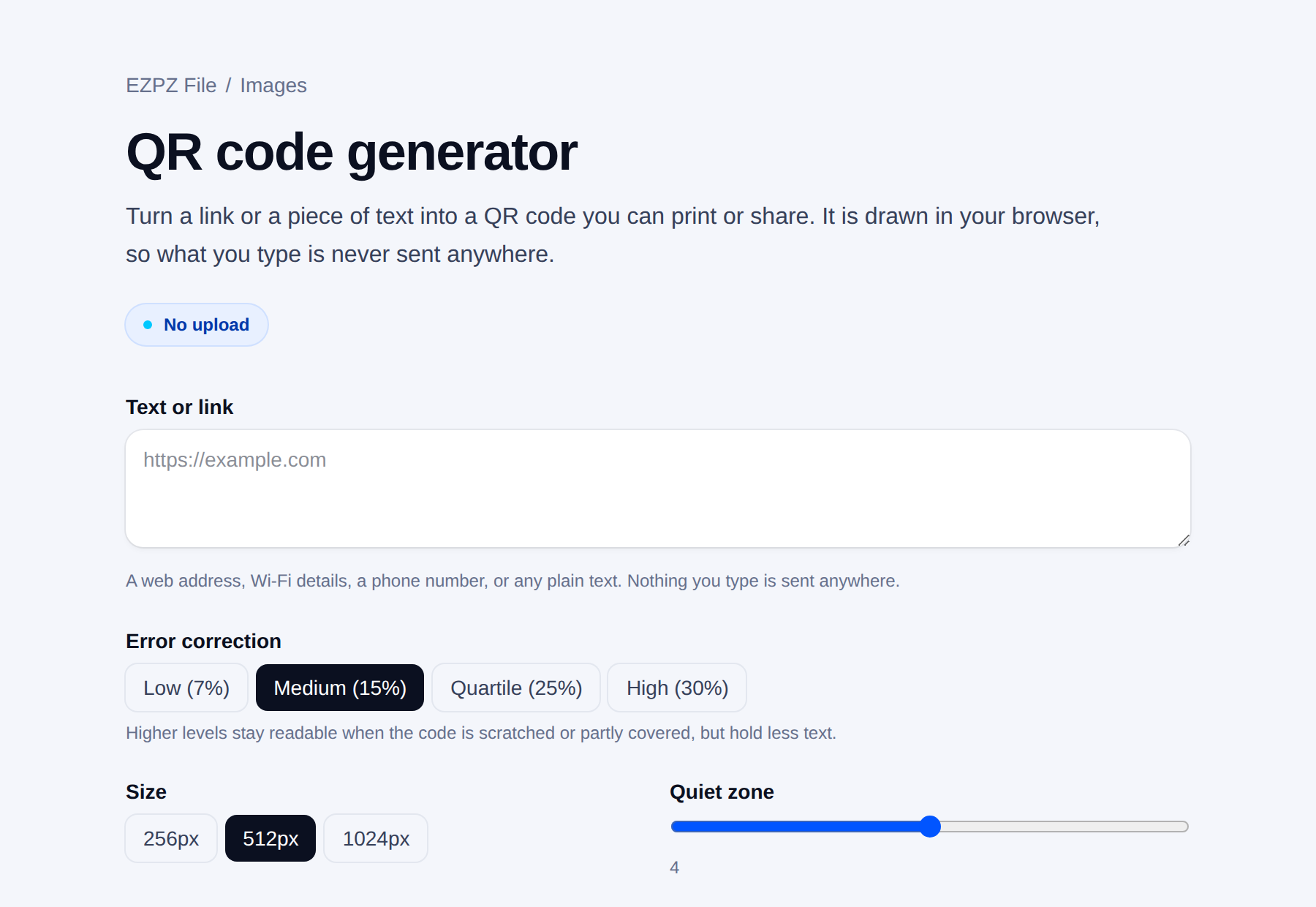
It does not have to be a link. The QR code generator here makes static codes for a link, Wi-Fi, a contact card (vCard), a map location, a WhatsApp chat and more, and downloads them as PNG, print-ready PDF or SVG. Everything is drawn in your browser, and the code holds your text directly, so it keeps working whether or not this site is still around. EZPZ File is our own tool.
Everyday uses in India
- Shop or restaurant menu: point the code at a menu page or a PDF you host yourself. When prices change, update the page, not the printed code. If the menu address itself may change, that is the one case where paying for a dynamic code can make sense.
- Wedding or event card: a map location code takes guests straight to the venue in Google Maps. Put it on the card with the address printed next to it for people who do not scan.
- Visiting card: a contact card code saves your name, phone and email into the phone in one tap. Keep it at least 3 cm wide (see the size table below).
- Shop counter Wi-Fi: a Wi-Fi code saves reading the password out to every customer.
UPI payment QR codes
For taking payments, the first place to get a QR code is your bank or your UPI app. The code it gives you is tied to your account as the bank has it on record. That removes the biggest risk with a home-made payment code: a single wrong character in the UPI ID sends money to someone else, or nowhere.
The generator here does have a UPI option. It makes a static code holding only the UPI ID and name you type; the payer sees the name in their own app before paying, and the money goes from their bank to yours without passing through this site. If you use it, copy the UPI ID from your app rather than typing it, and make a small test payment before you print anything.
Choosing an error correction level
A QR code carries spare data so it still reads when part of it is scratched or covered. The level sets how much spare there is.
| Level | Damage tolerated | Use for |
|---|---|---|
| Low (7%) | Almost none | On screen only |
| Medium (15%) | A little | Ordinary print. A sound default |
| High (25%) | A fair amount | Stickers, outdoor signs |
| Highest (30%) | A lot | A logo in the middle, rough conditions |
Raising the level packs the pattern more densely for the same content, which works against you when printing small. Match it to the use rather than turning it up by default.
Print size
The common mistake is printing it too small. A rough rule: one tenth of the scanning distance.
| Scanning distance | Minimum size |
|---|---|
| 30cm (business card, flyer) | 3cm |
| 1m (tabletop sign) | 10cm |
| 3m (wall poster) | 30cm |
Longer content packs the pattern tighter and needs more size. For a long URL, shortening it helps, though a shortener that disappears creates exactly the problem described above.
Keep the quiet zone. The white border around a QR code is part of the specification, not decoration. Trimming it because it looks better ruins the read rate.
Before you send it to print
- Test the actual printed piece. Reading it on screen proves nothing about paper.
- Test on two or three phones. Camera quality varies a lot.
- Test in low light, especially for shops and restaurants.
- Do not invert it. Light pattern on a dark background defeats some readers.
- Check that the destination will outlive the print run. The address usually dies before the code does.
Common questions
- Do free QR codes expire?
- Static codes never expire: the destination is stored in the pattern itself. Codes that stop working after a trial are dynamic ones that go through the service's own short link, which the service can switch off.
- Can I make a UPI QR code here?
- The generator has a UPI option that makes a static code from the UPI ID you type. For a shop, the safer choice is still the QR from your bank or UPI app, which is tied to your account. If you make one here, test it with a small payment first.
- What size should a QR code be on a visiting card?
- At least about 3 cm wide, using the rule of one tenth of the scanning distance (around 30 cm for a card held in the hand). Keep the white border and test the printed card on two or three phones.
- Can I put a logo in the middle?
- Usually, if you raise error correction to high or highest. Test on several devices afterwards.
- How much can a code hold?
- Thousands of characters in theory, but density rises with length and readability falls. Under 100 characters is comfortable for a link.
- How do I make a Wi-Fi code?
- Write the network details in the standard format. Scanning it connects without anyone typing the password.
Last updated October 14, 2026 · Accurate as of October 2026.


