
File tools that work without an account
You open a site to compress or merge a PDF once and it asks for your email, or your mobile number and an OTP. By the time that is done you still have not started the thing you came to do. Which options need no account at all, and what to check about where your file goes.

Understanding why the account is asked for tells you which sites to skip.
"Free" until the download button
The version of this that annoys people most is the late wall. You upload, edit or convert, everything looks free, and only at the download step does the site ask you to sign up or pay. Many people describe changing two lines in a PDF and then being asked for money to save them. By then you have already handed over the file.
In India there is a local flavour of this: sign-up walls that ask for your mobile number and an OTP before one conversion. A phone number is more valuable to a service than an email address, because it can be used for calls and SMS marketing, and it is harder to change than an email. Think twice before giving it for a single file.
Why sites ask you to register
It is easy to assume security. Usually it is one of three other reasons.
- To count usage. Server processing costs money, so the service needs to know who has used how much. This is the common one.
- To sell later. An email address is what lets a service come back to you once the free allowance runs out.
- Because the feature genuinely needs it. Keeping your files in an account, or picking up work across devices, requires knowing who you are.
The third is fair enough. The friction comes from being asked for the first two reasons when you only came to do one thing once.
There is no basis for thinking a service that requires a login handles your file more safely. An account is a metering device, not a protective one.
Ways to avoid it
1. What is already installed
The first place to look, and the one most often forgotten.
| What you want | What you already have |
|---|---|
| A document as PDF | Save As in Word, Pages or LibreOffice |
| Merge PDFs, delete pages | Preview on macOS |
| Anything to PDF | Microsoft Print to PDF on Windows |
| Resize or convert an image | Paint on Windows, Preview on macOS |
| Extract an archive | Built into both operating systems (ZIP) |
On a locked-down work machine where you cannot install anything, these are still there.
2. Web tools that do not ask
Some services upload to a server but never ask who you are. PDF24 is the clearest case, and iLovePDF lets you use its basic tools while signed out. The usual catch is that the unsigned-in allowance is smaller.
3. Tools that run inside the browser
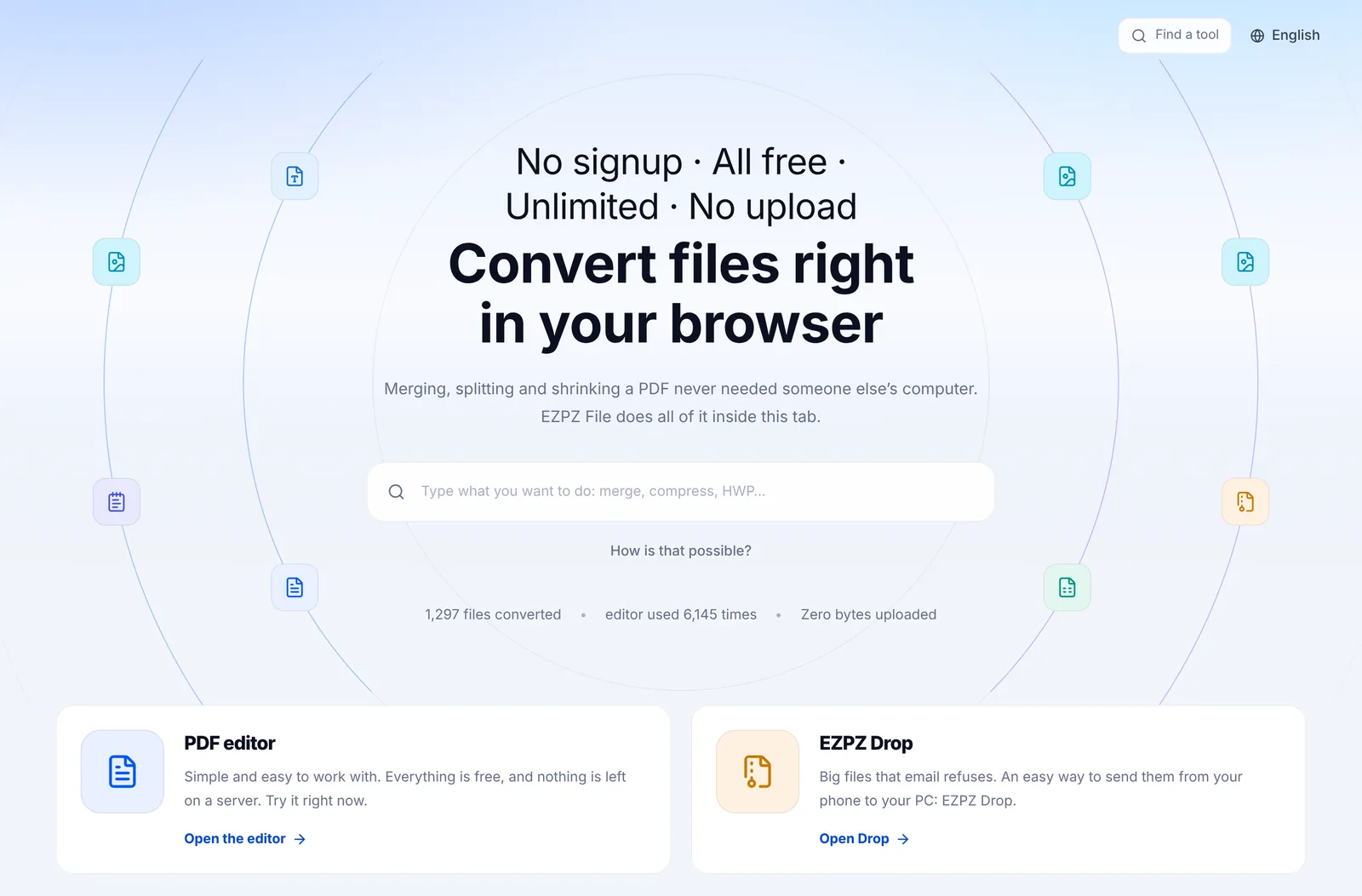
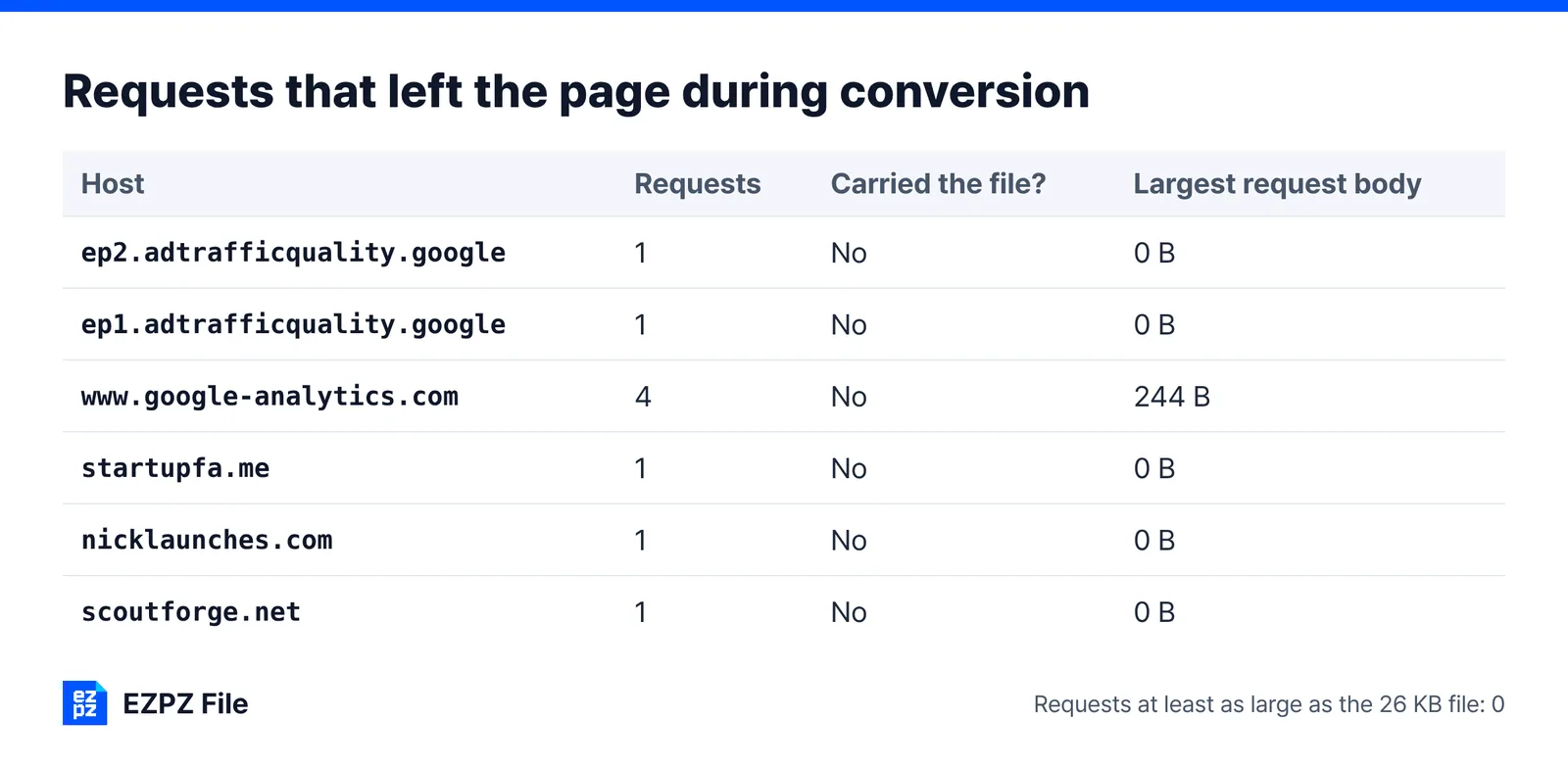
Here the conversion program itself runs in your browser. No server cost is incurred, so there is no usage to count, so there is no reason to ask who you are. This site works this way (it is our own): Compress PDF and the PDF editor, for example, need no account and no phone number.
You can check the claim. Open the network tab in developer tools (F12) and run a conversion: an upload request the size of your file either appears or it does not.
4. Free programs you install
LibreOffice and PDF24 Creator are free and ask for no account. On a personal machine where you can install software, this is the least constrained route.
The question underneath the account question
Before asking whether a site wants your email, ask whether it wants your file.
A service can be perfectly usable without registering and still send your document to its servers. For a contract or a personnel file, that matters considerably more than whether you had to sign up.
Is it safe to upload Aadhaar, PAN or work files to PDF sites?
What about disposable email
Using a throwaway address to get past a signup wall works, but we would not recommend it. It tends to breach the terms of use, and it removes any way to recover your result if something goes wrong. Mostly it is unnecessary, because the alternatives above already cover the ground.
In short
- Signup requirements are usually about metering usage, not about security.
- Check what is already on your machine first. Save As, Preview and Print to PDF cover a great deal.
- With a web tool, ask about the file as well as the account.
- Browser-side tools have no structural need for an account, but large files depend on your own hardware.
Common questions
- Is there a PDF editor without login?
- Yes. Browser-side editors have no structural reason to ask, and ours needs no account, no phone number and adds no watermark. Installed free programs such as LibreOffice Draw also need no login.
- Is using a temporary email safe?
- It works to get past a signup wall, but it tends to breach the terms of use and leaves you no way to recover your result or account. Since tools that need no account exist, it is usually unnecessary.
- Is my file safer if I have an account?
- There is no reason to think so. Accounts exist for metering and for selling upgrades. File handling is a separate matter.
- Is signing in with Google any better?
- It saves you inventing a password, but the service still receives your email address and basic profile. For a one-off job, an option that needs no account is simpler.
- What if I cannot install anything on my work computer?
- You still have the operating system’s built-in features and browser-side web tools. Neither requires installation.
- Is the output worse without an account?
- Quality is unrelated to whether you signed in. Some services do apply tighter size or volume caps to signed-out use.
Last updated October 14, 2026 · Accurate as of October 2026.


