
7 AI file editors ranked: can you fix an AI file and send it back without Illustrator?
You need to change one word in an .ai logo and send it back as AI, and you do not have Illustrator. We ranked 7 tools by whether they are free, whether you must install or sign up, whether they save back to AI, and where your file goes.

More programs open AI files than you might expect. Illustrator can save a PDF copy inside the .ai, so anything that reads PDF usually gets a picture out of it. Far fewer can save your edits back as AI. Fix the file in a tool that only opens it and you end up sending back SVG or PDF, and the other side has to turn it into an Illustrator file again.
To be upfront: this article comes from the people who make the EZPZ Vector Editor, ranked first below. That is why the criteria come first and the ranking follows them. For every other tool we used its official website and help pages as of October 9, 2026.
How we ranked them
We looked at one job only: open an AI file you received, change a little, and send it back as AI. If you design logos and illustrations every day, your ranking will look different.
| Criterion | What we checked |
|---|---|
| Free | Whether you can finish this job without paying |
| Account | Whether you have to sign up |
| Install | Whether you have to install a program. Work computers often block installs |
| Saves to AI | Whether the edited file can be saved as .ai again |
| Where the file goes | Whether everything stays on your device |
The ranking
1. EZPZ Vector Editor
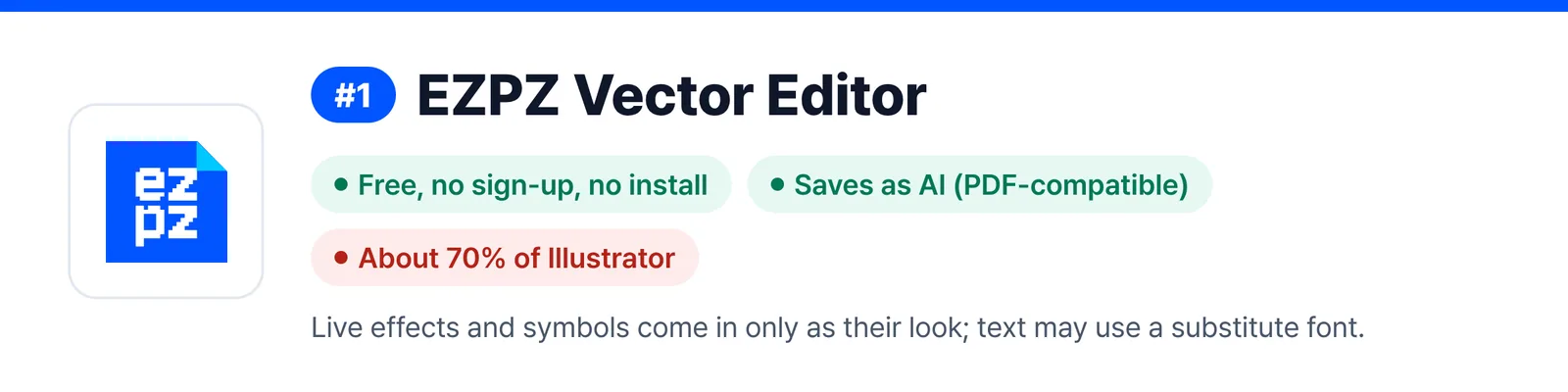
It opens straight in the browser. It is free, with no sign-up and no install. It keeps layers, groups and paths and saves as AI (PDF-compatible, Ctrl+Shift+S), also saves SVG and PDF, and exports PNG and JPG. It even opens AI files saved without PDF compatibility. Your file is processed only inside the browser. The menus and shortcuts follow Illustrator, but it has no connection to Adobe and is built on the open-source VectorCraft.
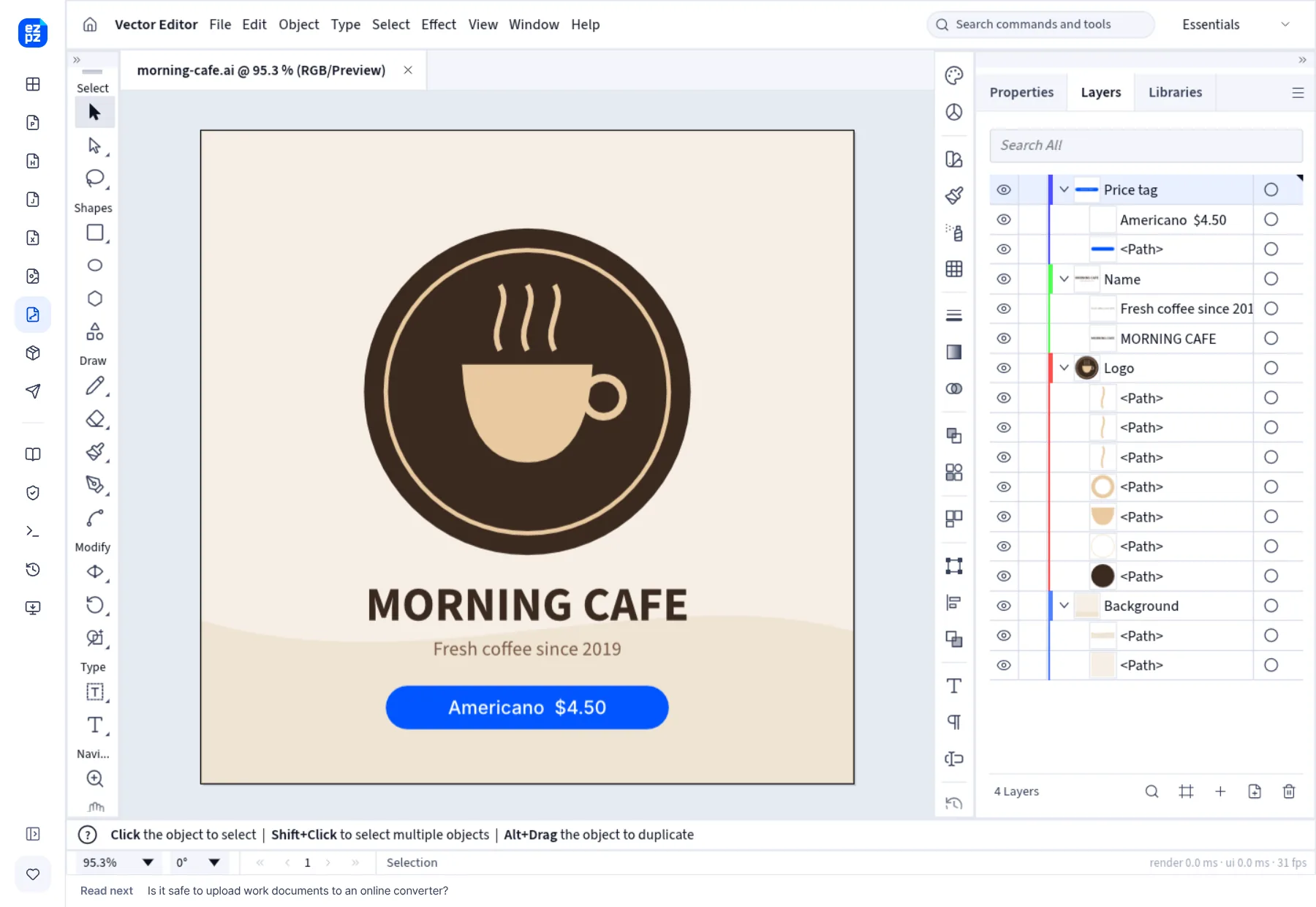
It has clear weak spots. At roughly 70% of Illustrator's features, live effects and symbols come in only as their drawn look, and because it cannot read your computer's fonts, text may show in a substitute font. Saving as AI leaves out Illustrator's own editing data. It downloads about 15 MB the first time and does not work on phones.
2. Photopea
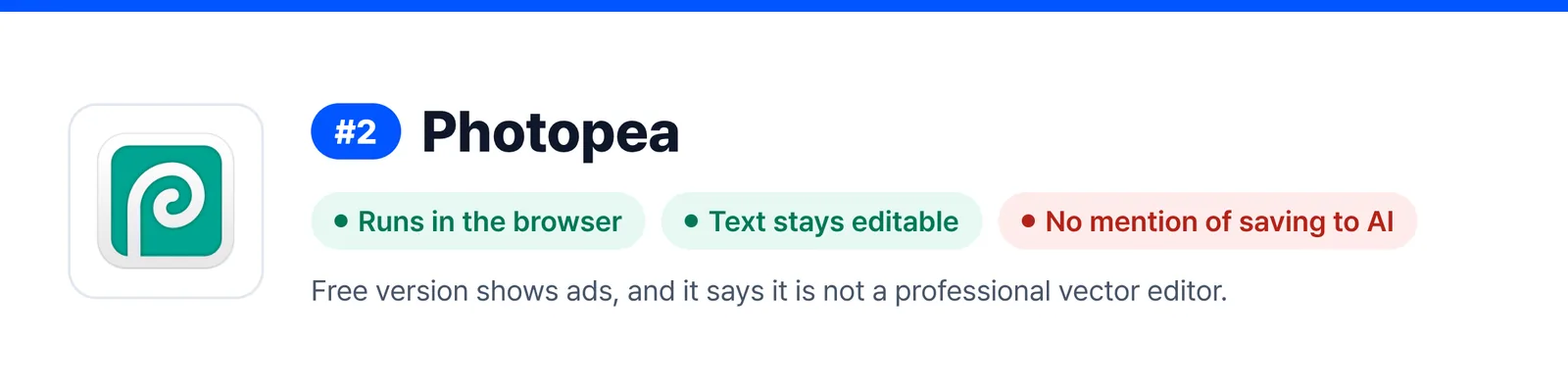
An image editor that runs in the browser and has opened AI files since 2021. According to its official announcement, paths, groups, clipping groups, opacity and blend modes come in, and text stays editable. It says it processes files on your device. The free version shows ads, which a paid Premium plan removes. The same announcement says plainly that Photopea is not a professional vector editor, and it points you to saving the result as PSD, SVG, PDF or other formats. Nothing in it mentions saving back to AI.
3. Inkscape
A free, open-source vector program. Its official manual says it imports AI files made with Illustrator 9.0 and later. You have to install it, and AI is not in the manual's list of standard export formats, so after editing you send back something like SVG, PDF or EPS.

4. Affinity
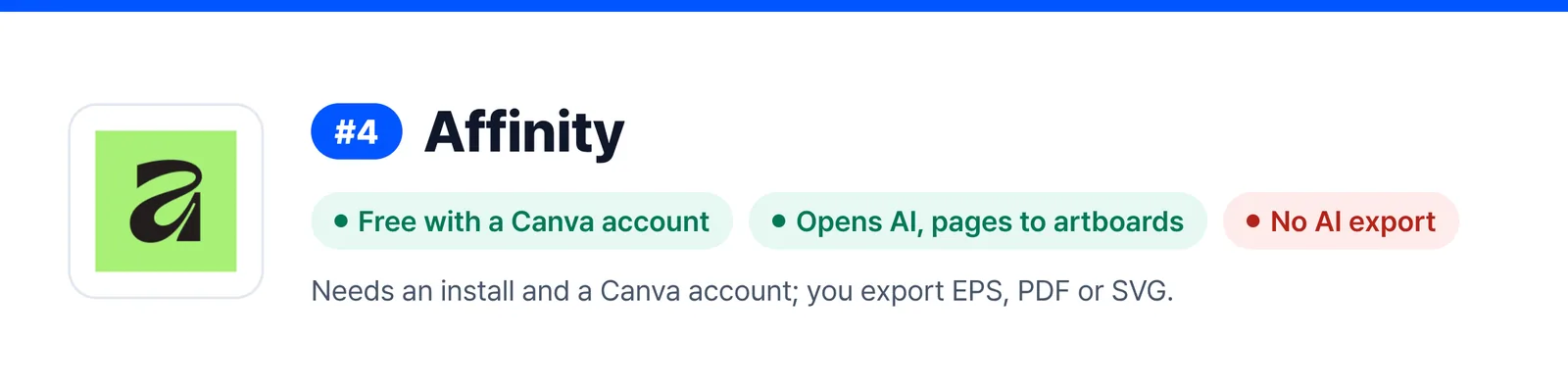
Now published by Canva and free with a free Canva account. Its official help says it opens AI files and puts each page of a multi-page file on its own artboard. AI is not among its export formats, though, so you export EPS, PDF or SVG. It needs an install and a Canva account.
5. Canva
Imports AI files as designs in the browser. Canva's help center says the feature is still in beta, works only in a desktop browser, and accepts only AI files saved as PDF compatible. Layers, gradients and masks come in, but some elements may be turned into images, and files can be up to 100 MB. You need an account, and the file is uploaded to Canva. The help page says nothing about exporting back to AI.
6. CorelDRAW
A long-standing paid vector program. Its official help says it imports AI and lets you pick which Illustrator version to match when exporting. Some things do not carry over as they are: symbols and patterns become curves, and drop shadows and blurs become bitmaps. The help itself recommends EPS for files headed to other programs. There is a 15-day free trial that asks for an email address but no credit card.
7. Adobe Illustrator
It made the format, so nothing matches it for getting a file to look right. It is a paid subscription with a 7-day free trial. Billing starts when the trial ends, and you can cancel within 14 days for a refund. It does not meet our free, no-install criteria, so it comes last.
At a glance
| Tool | Free | Install / account | Saves to AI | AI files it opens | Where the file goes |
|---|---|---|---|---|---|
 EZPZ Vector Editor EZPZ Vector Editor | Free | None | Yes (PDF-compatible) | Including files saved without PDF compatibility and old AI | Your device |
 Photopea Photopea | Free (ads, removed with paid plan) | None | Not mentioned | AI (official announcement) | Your device (official statement) |
 Inkscape Inkscape | Free | Install | Not in standard list | Illustrator 9.0 and later | Your device |
 Affinity Affinity | Free (Canva account) | Install + account | No | AI (official help) | Your device |
 Canva Canva | Not stated | Account | Not mentioned | PDF-compatible AI only (beta) | Uploaded to Canva |
 CorelDRAW CorelDRAW | Paid (15-day trial) | Install | Yes (choose version) | AI (official help) | Your device |
| Adobe Illustrator | Paid (7-day trial) | Install | Native format | All | Your device |
Filled in from each program's official website and help pages on October 9, 2026. The only row we tested ourselves is EZPZ. Features and prices change without notice.
What the table shows
Plenty of tools open AI files, but only three save your edits back as AI: the first-ranked editor, CorelDRAW and Illustrator. Of those, only the first runs in a browser with no install and no account. Treat the rest as tools that open an AI file and hand back SVG or PDF.
So which one?
- If you just need to fix an AI file once and send it back as AI, a browser editor with no install.
- If you will keep drawing vector art for free, Inkscape or Affinity, as long as SVG, PDF or EPS is fine for the result.
- If you already design in Canva, bring the file into Canva. If you mostly work with photos and PSD, Photopea.
- If you work in AI every day or exchange files with printers, Illustrator. If you already use CorelDRAW, keep using it.
Our launch post goes into more detail about what the editor can and cannot do.
Questions
- Can I edit an AI file for free and save it back as AI?
- The EZPZ Vector Editor does it for free, AI saving included. Photopea, Inkscape and Affinity also open and edit AI files for free, but according to their official information they save as formats like SVG or PDF rather than back to AI.
- Which ones work without installing anything?
- The EZPZ Vector Editor, Photopea and Canva. Canva needs an account and uploads the file to Canva.
- My AI file only shows a "saved without PDF content" notice.
- The file was saved in Illustrator with PDF compatibility turned off, so programs that read the PDF copy see nothing. The EZPZ Vector Editor opens these files from their editing data.
- How do I keep the text from changing shape after editing?
- If the program does not have a font used in the file, the text shows in a different font. Ask the sender to include a copy with the text turned into outlines, or reopen your saved file and check where the text sits.
- When will this ranking be checked again?
- Every six months. Prices and features can change in between, so check each official site before you choose.
Last updated October 9, 2026


