
8 PSD editors ranked: can you fix a PSD and send it back without Photoshop?
You need to change one line of text in a .psd and send it back as a PSD, but you do not have Photoshop. We ranked 8 options by whether they are free, whether you must install or sign up, whether they save back to PSD, and where your file goes.

Plenty of programs can open a PSD. Far fewer can save it back as PSD with the text layers still editable as text. Fix a file in a tool that only opens PSDs and the person you send it to has to rebuild the layers.
Up front: this was written by the people who make the EZPZ PSD Editor, which comes first below. So the criteria come before the ranking. Everything about the other programs comes from their official websites and help pages, checked on 9 October 2026.
What we ranked on
One job only: open a PSD you received, make a small change, and send it back as PSD. If you draw illustrations or do design work every day, the order would be different.
| Criterion | What we look at |
|---|---|
| Free | Whether you can finish the job without paying |
| Sign-up | Whether you need an account |
| Install | Whether you need to install software. Work computers often block it |
| Saves PSD | Whether the edited file goes back out as a layered PSD |
| Where the file goes | Whether the work stays on your device |
The ranking
1. EZPZ PSD Editor
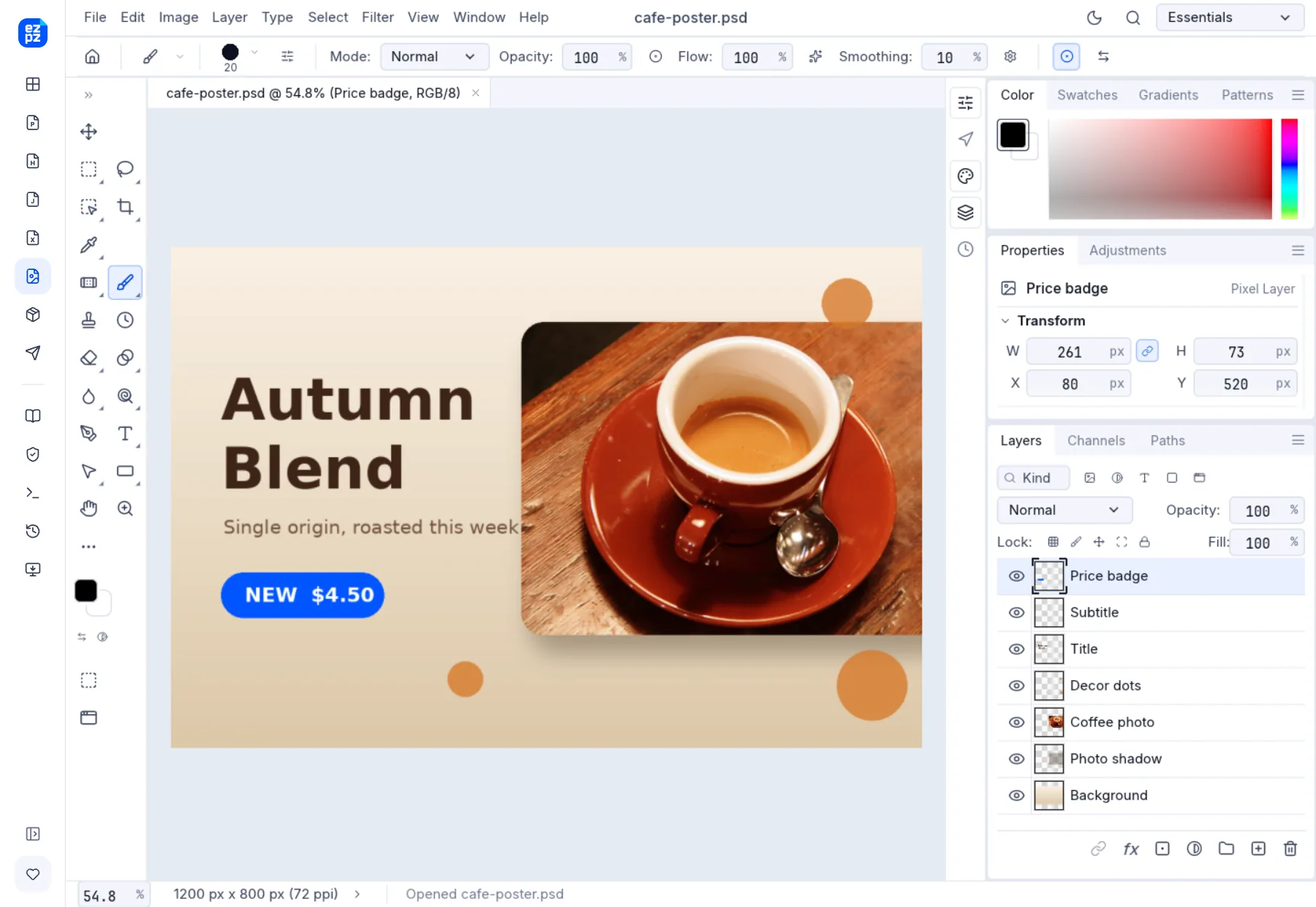
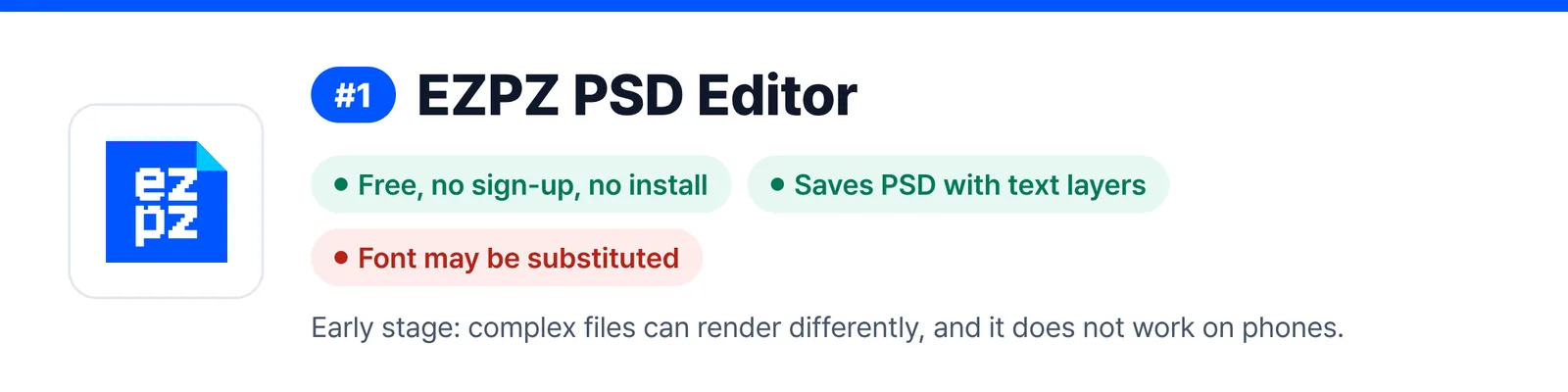
It opens straight in the browser. Free, with no sign-up and no install. It keeps layers, groups and text layers, saves back to PSD (Ctrl+Shift+S) and exports PNG, JPG, WebP and TIFF. The file is processed only inside your browser. The menus and shortcuts follow Photoshop, but it is not affiliated with Adobe; it is built on the open-source PhotoCraft.
The weak spots are real too. It is at an early stage, so complex files can render differently. It cannot load the fonts on your computer, so text may appear in a substitute font. Very large files can stall, the first visit downloads about 22 MB, and it does not work on phones.
2. Photopea
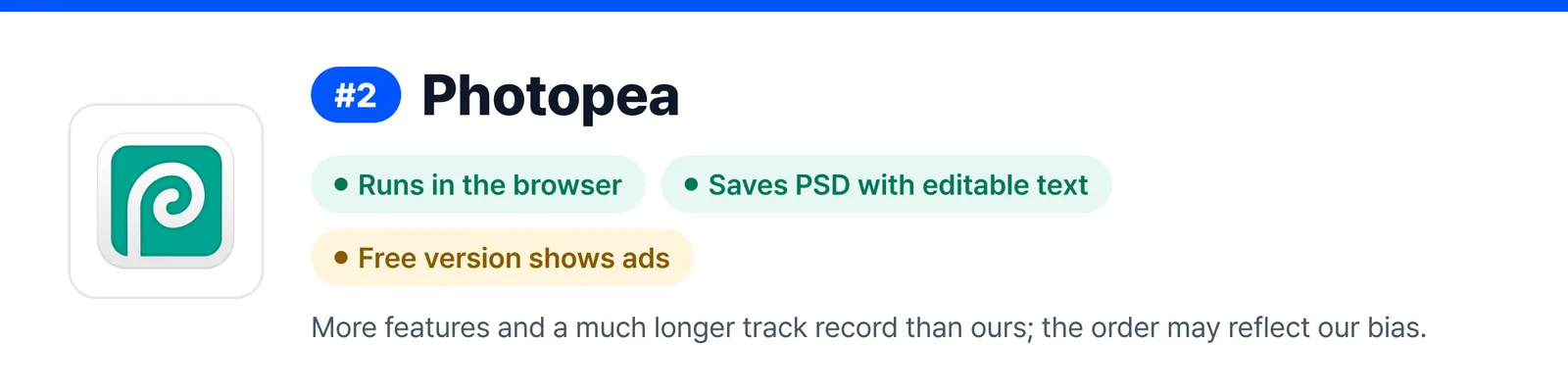
A PSD editor that runs in the browser. It says files are not uploaded and everything runs on your device, and it opens and saves PSDs with editable text. The interface is available in many languages. The free version shows ads, which a paid Premium plan removes. With smart objects, AI background removal and more than 40 formats, it has more features and a much longer track record than we do. The gap between first and second place may well reflect our own bias.
3. Krita
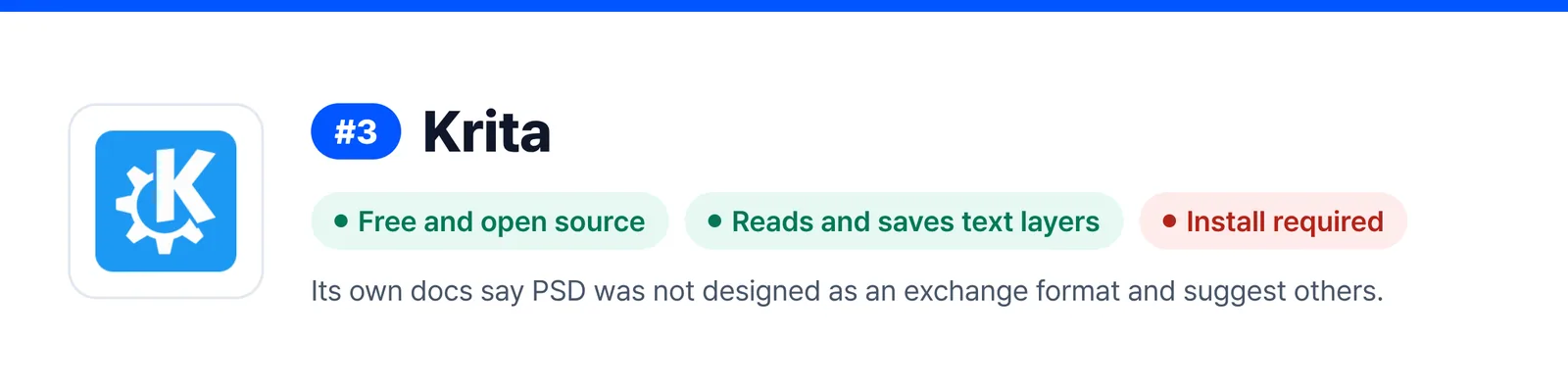
Free, open-source painting software. Its official documentation says it reads and saves PSD raster layers, blend modes, layer styles, text layers and groups. You have to install it. The same documentation also says PSD was not designed as an exchange format and suggests other formats.
4. GIMP
A long-standing free image editor that imports and exports PSD. Editing PSD text as live text was, according to an official blog post from August 2026, still in development. If your job is changing text, check what your version can do first.
5. Affinity
Now offered by Canva, and free with a free Canva account. Its official help says it keeps PSD layers, can import text as editable text when you turn on a setting, and exports PSD. It needs an install and a Canva sign-up, which is a lot for one quick fix.
6. FireAlpaca
Free painting software for Windows and Mac. It opens and saves PSDs with their layers. Its own article says text information is not kept in the PSD, though, so it is not the tool for text fixes.
7. CLIP STUDIO PAINT
Painting software built for illustration and comics. Its official FAQ says text layers can be kept when you export to PSD. It is paid, with a free trial. If you already own it, you do not need anything else.
8. Adobe Photoshop
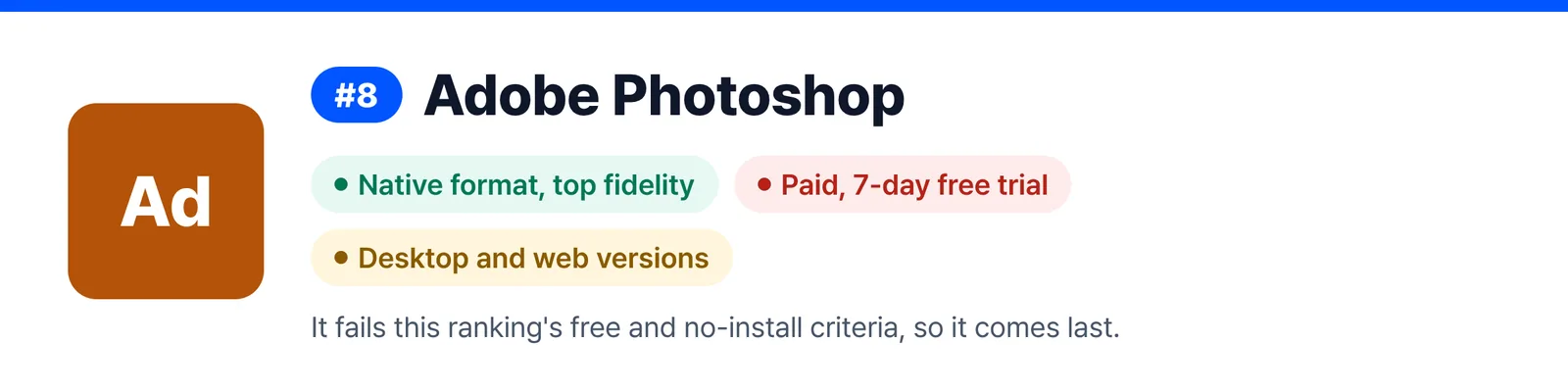
PSD is its own format, so nothing matches it for fidelity. It is a paid subscription with a 7-day free trial, and the plans include both the desktop and web versions. It fails this ranking’s free and no-install criteria, so it comes last.
The table
| Tool | Free | Install / sign-up | Saves PSD | Text layers | Where the file goes |
|---|---|---|---|---|---|
 EZPZ PSD Editor EZPZ PSD Editor | Free | Neither | Yes | Kept (font may be substituted) | Stays on device |
 Photopea Photopea | Free (ads, paid plan removes them) | Neither | Yes | Editable | Stays on device (per Photopea) |
 Krita Krita | Free | Install | Yes | Read and saved (official docs) | Stays on device |
 GIMP GIMP | Free | Install | Yes | Live text editing in development | Stays on device |
 Affinity Affinity | Free (Canva account) | Install + sign-up | Yes | Imported as text via a setting | Stays on device |
 FireAlpaca FireAlpaca | Free | Install | Yes | Not kept | Stays on device |
 CLIP STUDIO PAINT CLIP STUDIO PAINT | Paid (free trial) | Install | Yes | Can be kept (official FAQ) | Stays on device |
| Adobe Photoshop | Paid (7-day trial) | Install (web version too) | Yes | Native | Stays on device (desktop) |
Filled in from each program’s official website and help pages on 9 October 2026. The only row we tested ourselves is EZPZ. Features and prices change without notice.
What the table shows
Many tools open a PSD; only a few can edit its text as text and save back to PSD. Only the first two work entirely in the browser with nothing to install, and both keep the file off outside servers.
So which one?
- If you draw: Krita, CLIP STUDIO PAINT or FireAlpaca.
- For careful photo and design work: Affinity or GIMP.
- If you work with PSDs every day: Photoshop.
- For one quick fix to a PSD you were sent: a browser editor with nothing to install.
Our launch post covers what the editor can and cannot do in more detail.
Frequently asked questions
- Can I edit a PSD for free and save it as PSD again?
- EZPZ PSD Editor, Photopea, Krita, GIMP, Affinity and FireAlpaca all save back to PSD for free. Whether text layers stay editable differs from tool to tool, so check the table above.
- Which ones work without installing anything?
- EZPZ PSD Editor and Photopea. Both open in the browser and process the file on your device.
- Is the web version of Photoshop free?
- It comes with Adobe’s plans alongside the desktop version. It needs a paid subscription, and there is a 7-day free trial.
- How do I keep the text from changing in the edited PSD?
- If a font used in the PSD is missing from the program, the text is drawn with another font. Before you send it, reopen the saved PSD and check the line breaks and positions.
- When will this ranking be checked again?
- Every six months. Prices and features can change in between, so check each official site before you choose.
Last updated October 9, 2026


