
Why your PDF asks for a password, and what it is
Your e-Aadhaar, bank statement or payslip opens with a password box. Here is where that password comes from, the official e-Aadhaar format, and when it makes sense to lock a PDF of your own.

Most locked PDFs people deal with were not locked by them. You download your e-Aadhaar, or your bank emails a monthly statement, or HR sends a payslip, and the file opens with a password box instead of the document. Nobody told you the password, yet it is not random: the sender built it from details they already hold about you, so you can usually work it out.
e-Aadhaar password format (official)
UIDAI states the rule on its Aadhaar online services page: "Password of eAadhaar is a combination of the first 4 letters of name in CAPITAL and the year of birth (YYYY)." So the password has eight characters at most: four letters from your name as printed on the Aadhaar, in capitals, followed by your four-digit birth year.
| UIDAI example | What it shows |
|---|---|
| SURE1990 | First four letters of the name in capitals, then the year of birth |
| SAIK1990 | The same rule for another name: four letters, no spaces, then YYYY |
| P.KU1990 | If the name on the card starts with an initial and a dot, the dot counts as one of the four characters |
| RIA1990 | A name shorter than four letters is used in full, so the password is shorter |
- Use the name exactly as it is printed on your Aadhaar, not a nickname or the spelling on another document.
- Capitals matter. "sure1990" will not work where "SURE1990" does.
- Use the four-digit year of birth from your Aadhaar, not the last two digits.
UIDAI also says: "Resident needs latest version of 'Adobe Reader' to view e-Aadhaar." That is about viewing the file and checking its digital signature. Most PDF viewers will open it once you type the password, but the signature check is what Adobe Reader adds.
Bank statements, payslips and other locked PDFs
Banks, card issuers, mutual fund statements and employers lock PDFs for the same reason: the file travels by email, and email gets forwarded. Each sender picks its own format, often built from parts of your name, date of birth, customer ID or account number. The format is not universal, so do not trust a list from a forum. Banks and employers usually tell you the format in the email that carries the PDF or on their own site; look for a line such as "your statement is password protected" near the attachment.
People are caught out by this everywhere. One US user on Reddit described opening a downloaded bank statement and only then discovering that it was password protected, with no idea what the password was. The answer is the same in India: read the covering email or the bank's help page before guessing.
There are two kinds
| Type | What it does | How well it holds |
|---|---|---|
| Open password | The file will not open without it | Holds |
| Permissions password | Opens, but printing and copying are blocked | Weak |
A permissions password only works while the viewer chooses to respect it. Open the file in something that does not, and it prints and copies fine. If it genuinely has to be blocked, use an open password.
Locking your own PDF before you send it
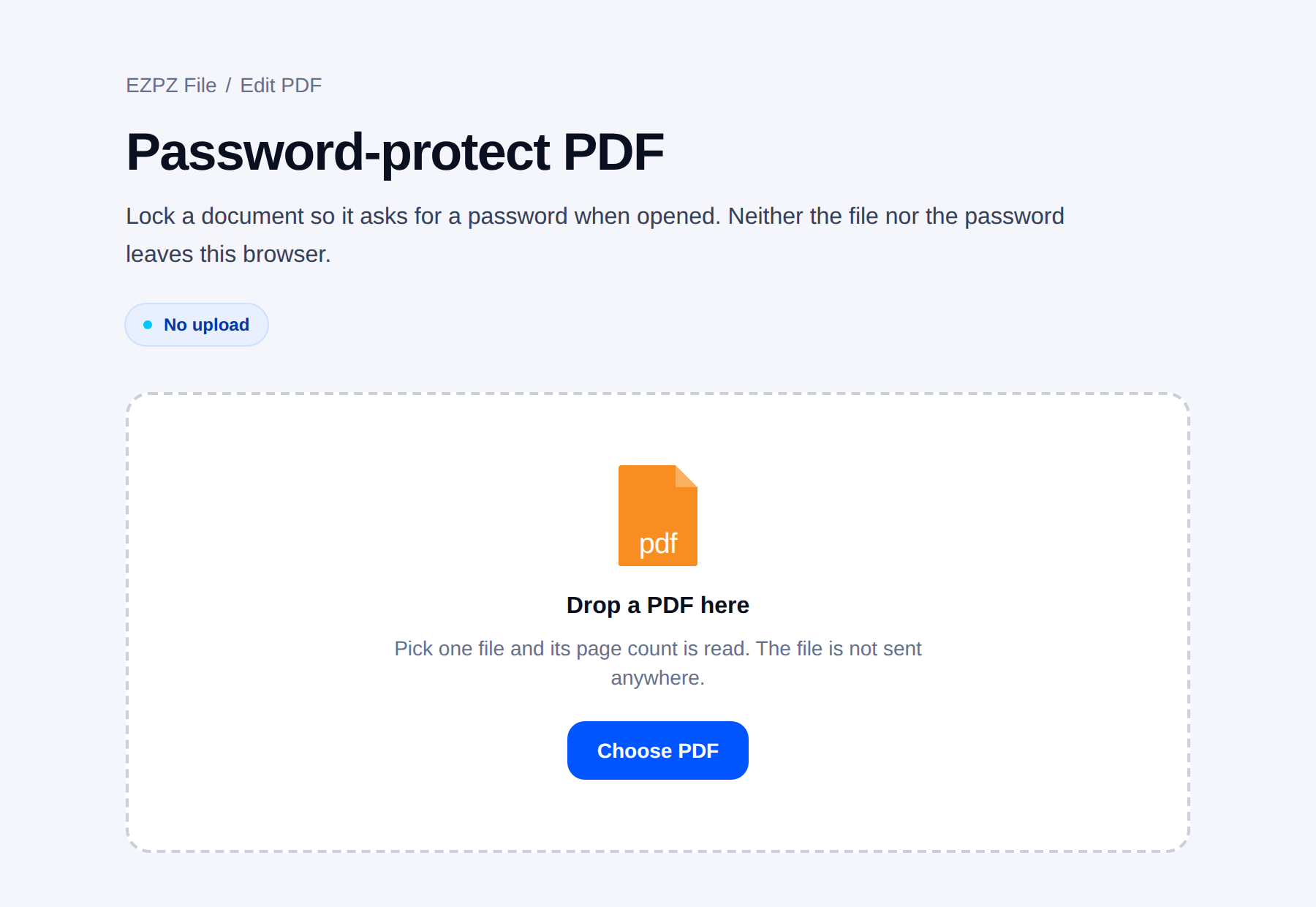
The other direction: you are sending a scanned PAN card, a salary slip or a signed agreement and want a lock on it. An open password is the one that counts. The PDF protection tool here sets one with AES-256 encryption, and you can also switch off printing and copying. Neither the file nor the password leaves your browser.
Ways a password stops meaning anything
- The password is in the same email. If the email leaks, so does the password.
- The password is a birthday or an employee number. To anyone who knows it, there is no lock.
- The same password goes on every document. One disclosure opens all of them.
- The recipient writes it in a notes file. Nothing you can do about that one.
Send the password by another route. If the file went by email, send the password by text or say it on the phone. Two channels is what makes the lock mean something.
- Do not reuse the e-Aadhaar style of password (name plus birth year) for your own files. Anyone who knows you can guess it.
- Pick something the recipient can be told on a call, and that is not printed anywhere in the document itself.
Often better than a password
If the reason for the password is "not everyone should see this part", taking that part out is more reliable than locking the whole thing.
Removing a password you know
Once you know the password, typing it every time gets old, and many government portals and merge tools refuse locked files. The PDF password remover here takes the password you already have and saves an unlocked copy. It does not guess or crack passwords. The full walkthrough, including e-Aadhaar and bank statements, is in a separate article.
Working with locked files
A locked PDF cannot be merged, split or compressed, because none of those can read the contents. The order is always: unlock, work, lock again.
Common questions
- What is the password for e-Aadhaar PDF?
- UIDAI says it is the first 4 letters of your name in CAPITAL, followed by your year of birth (YYYY). For example, the UIDAI page gives SURE1990. Use the name and year exactly as they appear on your Aadhaar.
- What if my name is short like RIA?
- Use the whole name in capitals followed by the year. UIDAI's own examples include RIA1990, so a three-letter name gives a seven-character password.
- How do I password protect a PDF for free?
- Open the PDF protection tool on this site, drop the PDF, type the password twice and take the locked file. It uses AES-256 and runs in your browser. Send the password by a different route than the file.
- I forgot the password.
- There is no way around it. Ask whoever created the document for another copy.
- The recipient cannot enter the password.
- Their viewer is probably old or does not support the encryption used. Ask them to try another viewer, or deliver it differently.
Last updated October 14, 2026 · Accurate as of October 2026. The e-Aadhaar password rule and examples are quoted from UIDAI's Aadhaar online services page, checked 14 October 2026.


