
How to send only part of a PDF
They asked for one page of your bank statement, or one semester of your marksheet. Sending the whole PDF hands over everything else too. Here is how to send only the pages needed, and how to check the rest is really gone.

A bank, a landlord or a visa agent asks for one page of your statement, or a college wants only one semester from the marksheet PDF that holds all of them. You can send the whole file, but then they get everything else too. There are two directions to work in, and the one you pick changes the result.
Extracting is not deleting
| Extract | Delete | |
|---|---|---|
| What it does | Builds a new file from chosen pages | Removes chosen pages from the original |
| Good for | 3 pages out of 80 | Dropping 2 pages from 80 |
| Result | 3 pages | 78 pages |
Both reach the same place from opposite ends, but picking the one with less work also means fewer mistakes. Delete 77 pages one at a time and you will get one of them wrong.
Typical cases: KYC, rent, admissions
- One page of a bank statement for KYC or a rental agreement: usually the first page, with your name, address and account details. The other pages list every transaction you made that month.
- One semester from a combined marksheet PDF: the university portal gave you all semesters in one file, and the form asks for the last one only.
- A salary slip from a year's bundle: an employer or a loan app wants only the latest month.
- Two pages of a long agreement: the page with the rent figure and the signature page.
The privacy point is simple: share only the page that was asked for. A statement page with a few transactions says a lot less about you than three months of them. The same goes for documents with other people's details on them, such as a family marksheet bundle or a joint account statement.
On a phone, the Split tool is the easiest of the page tools, because you type the page numbers rather than dragging thumbnails.
Pulling out the pages you need
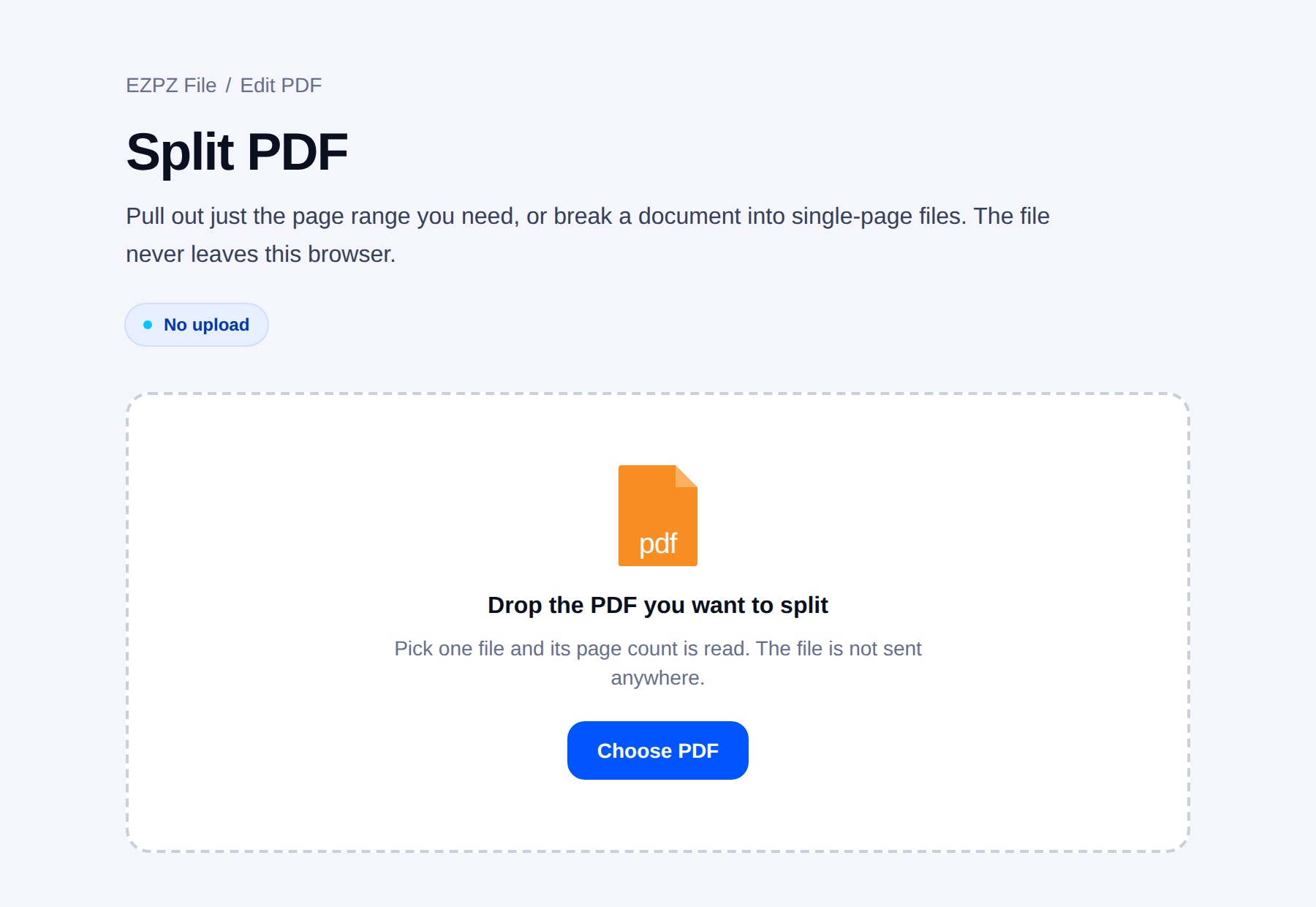
Ranges are usually written like "12-14". For pages that are not adjacent, join them with commas: "3, 12-14, 20".
Page numbers here mean position in the file, not the number printed on the page. A document with a cover and contents runs two or three ahead.
Dropping a few pages
For the page with an internal note on it, or the one with another client’s details.
When "removed" content is still there
This is the dangerous one. A black rectangle drawn over text hides nothing. The text sits underneath, and copying from the page brings it straight back.
- Documents with ID numbers "blacked out" this way leak regularly. It is not a rare failure.
- The reliable fix is to remove the whole page.
- If only part of a page must go, convert that page to an image first and edit the image.
Before sending
Some people find that pages they deleted in a scanner or notes app come back in the file they share, because the app only hid them. One Reddit thread on deleting PDF pages describes exactly that on an iPad. Open the result fresh, count the pages, and only then send it.
- Open the result and check the pages by eye. Ranges get typed one off surprisingly often.
- Rename the file. Sending "business-plan-final.pdf" tells them they have the whole thing.
- Check the document properties for a company name or author you did not mean to include.
Common questions
- How do I extract one page from a PDF on my phone?
- Open Split PDF in your phone browser, choose the file and type the page number, for example "3", or a range like "1-2". Download the new file. The original is not changed.
- Does extracting keep the password?
- The split tool here cannot read a locked PDF, so remove the password first with the one you know. The extracted file then has no password. If it should be locked when you send it, add a new password with Password-protect PDF and share that password separately.
- Does extracting reduce quality?
- No. Pages are copied as they are.
- Do internal links survive?
- Usually not. They point at pages that no longer exist in the new file.
- Can one page go into several files?
- Yes. Extracting does not consume anything; the original is unchanged.
- Can 80 pages become 80 files?
- Yes, though the result often arrives as a zip. Check that the recipient can open it.
Last updated October 14, 2026 · Accurate as of October 2026.


