
Convert HWP to PDF without Hancom Office
A Korean partner sends you a .hwp file. Your machine has no idea what it is, and the sender has no idea why that is a problem. Someone has to turn it into a PDF, and you do not have Hancom Office.

HWP is the de facto standard for Korean public agencies. Outside that world it is a file that will not open.
What is an HWP file, and how do you open it without Hancom?
A PDF solves three things at once: it opens with whatever the recipient already has, the page breaks and tables stay where they were, and it becomes the reference for printing.
Four ways to convert
| Method | What it needs | Does the file leave? | Layout |
|---|---|---|---|
 Save as PDF in Hancom Office Save as PDF in Hancom Office | A licence | No | Most faithful |
| Open in Google or Naver Docs | An account | Yes, it is uploaded | Tables and shapes often shift |
| Online conversion sites | Nothing | Yes, it is uploaded | Varies widely by tool |
| Convert inside the browser | Nothing | No | The engine recomputes pagination |
If Hancom Office is available, use it. It embeds the original fonts and it draws its own format. This article is about the case where it is not.
Why uploading gives people pause
Most free HWP converters do the work on a server: your file goes up, Hancom Office or LibreOffice runs on their machine, a PDF comes back.
The concern is what tends to travel as HWP: official correspondence, business plans, HR paperwork, contracts. Most organisations have a rule against sending internal material to unapproved outside services, and the upload is the moment that rule is broken.
Is it safe to upload work documents?
Converting inside the browser
The other direction is possible: instead of sending the document to an engine, download the engine to the document. The code that reads Korean word processor files and lays them out runs in your browser, and the file never leaves the device.
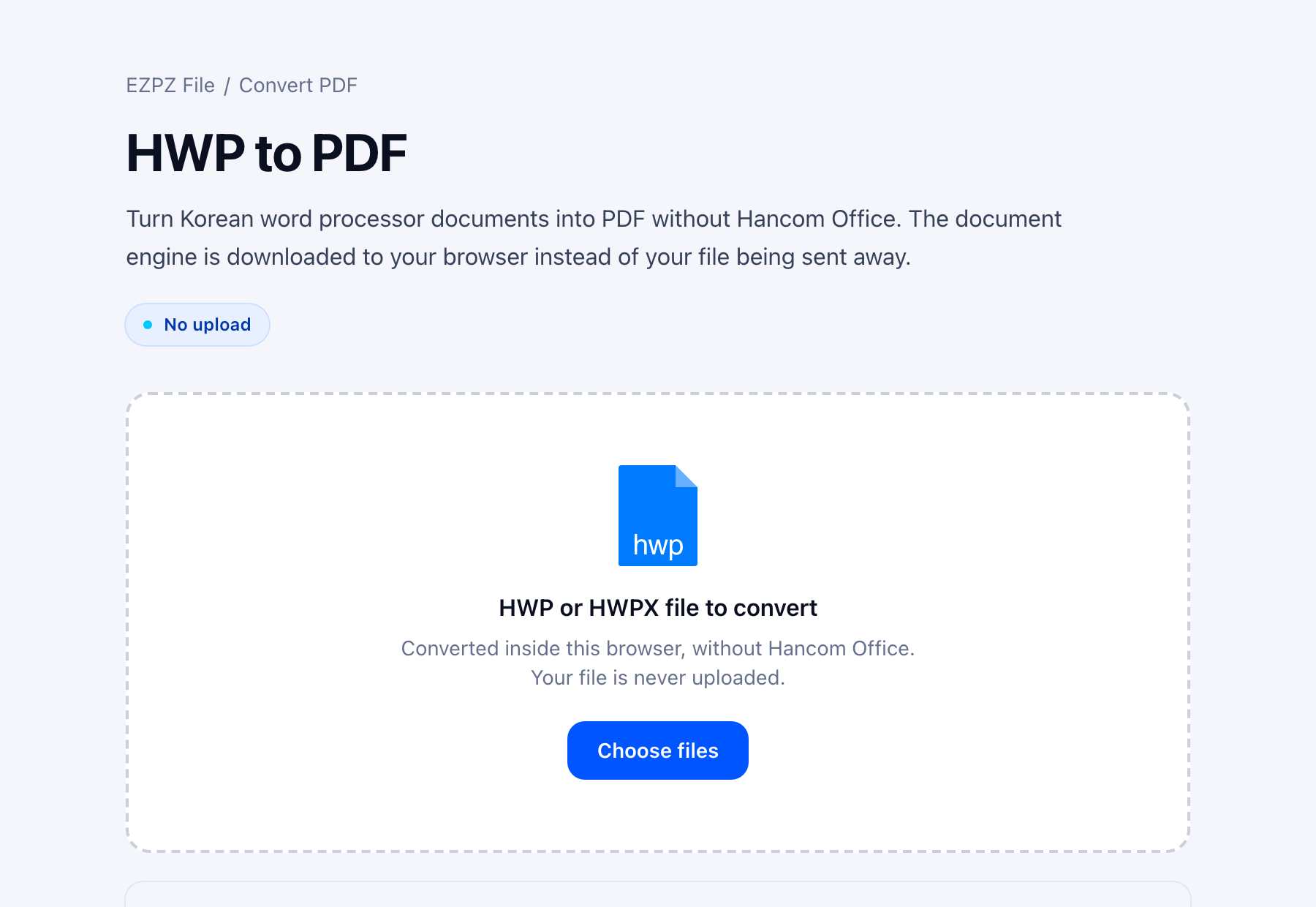
The first run waits for the engine and the Korean fonts to arrive. Later files reuse what is already there.
This works the same on a Mac, since nothing needs Windows or Hancom Office. If you are on a Mac and also need to print or edit the file, our Mac guide compares the other options.
How to open HWP and HWPX files on a Mac
Why tables shift in some converters
The most common complaint about HWP conversion is broken tables. The cause is usually the same: the converter does not know the pagination rules of the original, so it pours the text into another format and lets that format decide the layout.
A small difference in line spacing pushes one table row onto the next page, and every page after it moves. All the text is there, and the document is still wrong.
A converter that recomputes page breaks and cell sizes with the original rules, then draws glyphs at the coordinates it computed, does not have this failure mode.
HWP to Word: why the layout breaks and what survives
Why the fonts change
Any tool other than Hancom Office will swap fonts such as HCR Batang for something else. That is unavoidable: those typefaces belong to Hancom and cannot be redistributed with another program.
What matters is whether glyph positions survive the swap. If the new font is allowed to decide positions, lines rewrap and tables move. If the engine supplies the coordinates and the font only supplies the shapes, the layout holds.
For a document where the original typeface itself matters (a print master, a submission with a mandated form), save it from Hancom Office. For reading and circulating, a font substitution is rarely a problem.
Check that the text is still text
Some converters render each page to an image and paste it into the PDF. It looks identical and it is a photograph.
| Text-based PDF | Image-based PDF | |
|---|---|---|
| Copy text | Yes | No |
| Search inside | Yes | No |
| Screen readers | Read it | Cannot read it |
| Zoom and print | Sharp | Blurry |
| File size | Small | Hundreds of KB per page |
The test takes a second: open the PDF and try to drag-select a sentence. If nothing highlights, it is an image.
How HWPX differs
HWPX is the same document in an open format, and it is where Korean public agencies are moving. Converting it to PDF works the same way; the differences, and why Word and Google Docs cannot open it, are in our separate HWPX to PDF guide.
Before you send it
- Does the page count match the original? If not, something shifted.
- Did the last row of a table fall onto the next page?
- Can you select text with the cursor?
- Does the document info still carry an author or company name? You can strip it.
Remove metadata from PDFs and photos
If you need to change something first
Sometimes the PDF is the last step: a form has to be filled in, then sent as PDF. Open the file in the HWP editor, type your changes, and choose Save as PDF, which goes through the browser's print dialog. Or save it back as HWP and run that through HWP to PDF for a file without the print dialog. Either way the document stays in your browser.
Related reading
What is an HWP file, and how do you open it without Hancom?
How to open HWP and HWPX files on a Mac
Got an HWP file from a Korean office, school or employer? How to read it
HWPX to PDF: convert it free (and why Word can't open it)
What is HWPX, and how is it different from HWP?
Free HWP editors ranked by what they can save
Convert HWPX to HWP for a Korean submission
HWP to Word: why the layout breaks and what survives
Is it safe to upload Aadhaar, PAN or work files to PDF sites?
Frequently asked questions
- Is there a free HWP to PDF converter?
- Yes. Several free online sites convert HWP, but most do it on their server, so the file is uploaded. HWP to PDF on this site is free, needs no account, and converts inside your browser, so the document stays on your device. Hancom Office itself gives the most faithful PDF if you have it.
- Does this really work without Hancom Office?
- Yes. A document engine running in your browser reads the file and lays out the pages. The original fonts cannot be redistributed, so text is drawn with substitute fonts.
- What about password protected HWP files?
- They work. Drop the file, press convert, and a password box appears. DRM protected documents cannot be opened.
- And very old files such as HWP 3.0?
- HWP 5.0 (2002 and later) and HWPX are supported. For anything older, open it once in Hancom Office and save it in the current format first.
- Will the PDF carry a watermark?
- That depends on the tool. Some free converters brand the output or cap the number of daily conversions, so it is worth checking before you rely on one.
- Do documents with Hanja work?
- Yes. Hanja and Kana are drawn from a separate font. Symbols that exist only inside Hancom fonts have no glyph anywhere and may be dropped.
Last updated October 14, 2026 · Accurate as of October 2026. Policies and supported formats change.


