
Where 100 KB is the limit
Three 2026 documents stop at 100 KB, each with a different minimum and a different kind of image.
| Body | Document | Rule | Notice |
|---|---|---|---|
| UPSC | Signature | Three signatures in one image, jpg, 20-100 KB, 350-500 pixels, file name "signature" | Instructions for photo and signature (4 February 2026) |
| NTA | Signature (NEET UG) | JPG, 10-100 KB | NEET (UG) 2026 Information Bulletin (8 February 2026), p.15 |
| IBPS | Hand-written declaration | 800 x 400 pixels, 50-100 KB, jpg/jpeg | CRP PO/MT-XVI notification (2026), p.39-41 IBPS notices |
The UPSC wording: "File size: 20 KB - 100 KB; Image dimensions: 350 - 500 pixels".
How to get under 100KB
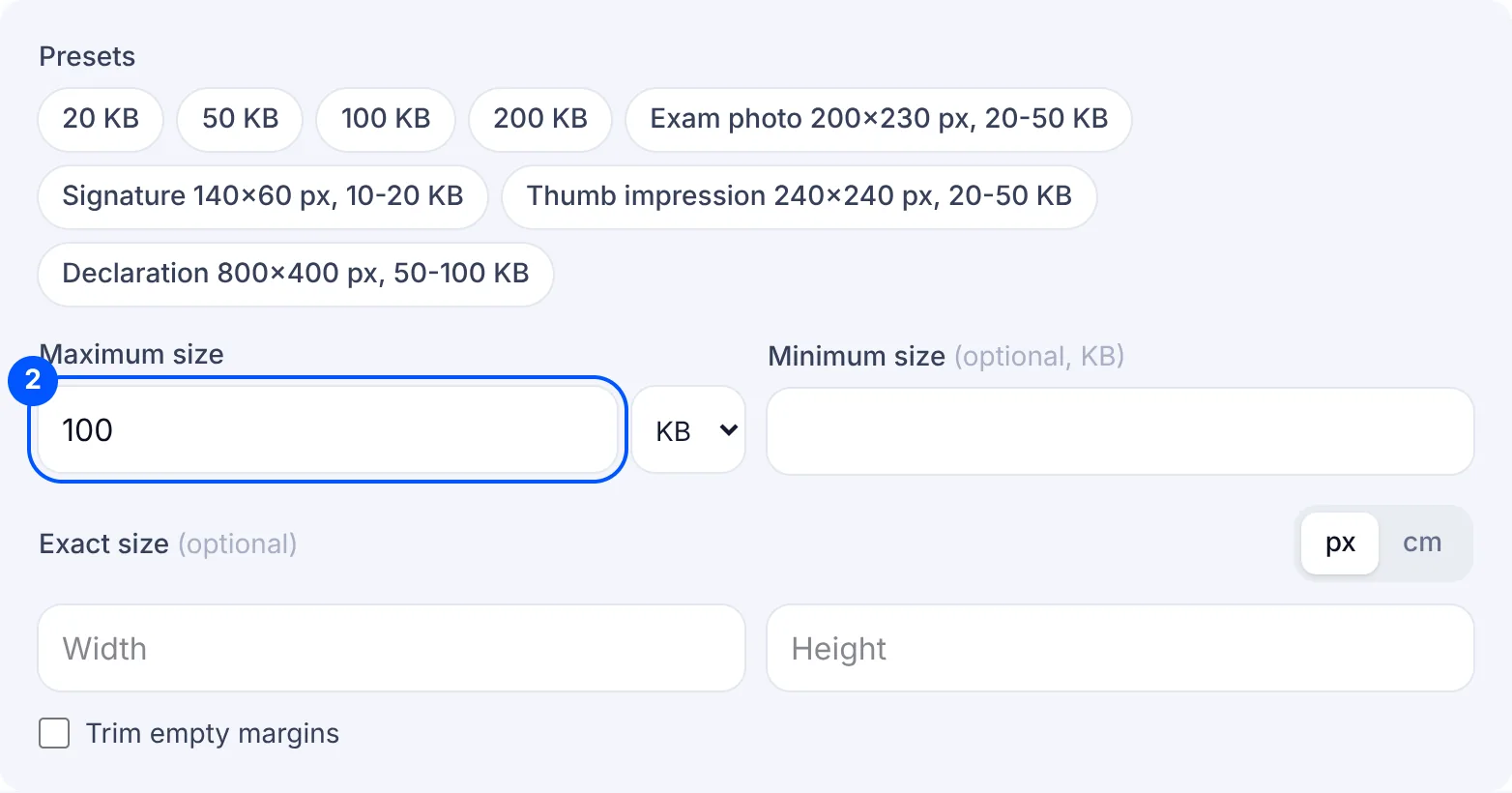
At 100 KB the maximum is the easy part. The minimum changes with the box: type 20 for the UPSC signature, 10 for the NEET signature and 50 for the IBPS declaration. This page leaves the minimum empty, so it does not guard the floor until you fill it in.
The UPSC instructions for photo and signature (4 February 2026) ask for three signatures in one image, 350-500 pixels, 20-100 KB. Sign three times on one white sheet and photograph the sheet as a single picture. The result card shows the final pixel size, so you can compare it with the 350-500 pixels in the instructions and set an exact size if it falls outside.
For the IBPS declaration, tap "Declaration 800x400 px, 50-100 KB". That image is twice as wide as it is tall, so photograph the page in landscape with the writing filling the frame. "Add white margins" keeps every line, while "Crop to fill" fills the frame but may cut the first or last line.
The NEET signature, 10-100 KB in the NTA NEET (UG) 2026 Information Bulletin, has the widest range of the three, so the main thing is a JPG with 10 typed as the minimum. For the IBPS signature (10-20 KB) use the 20 KB page, and for a scanned document that must be a PDF use compress PDF to 100KB.
Why your file is still rejected
- The file name is wrong. UPSC asks for the signature file to be named "signature" and the photo "photo". Rename the downloaded JPG before you choose it on the portal.
- Only one signature is in the image. UPSC wants three in one image, so the KB can be right and the file still wrong.
- It is under the minimum for that box: 20 KB for UPSC, 10 KB for NEET, 50 KB for the IBPS declaration.
- The declaration is not 800 x 400. Check the pixel size on the result card. If it differs, set the exact size and choose "Add white margins" so no words are cut.
- The handwriting cannot be read. Small writing blurs at 800 x 400 pixels, so write larger and use the full width of the page.
