
How to get under 500KB
For most PDFs, 500 KB is enough room to leave the text alone. The tool first shrinks only the photos inside the file, from gentle to stronger settings, and stops at the first result under 500 KB. Text stays text, so the file can still be searched and copied from, and the result card confirms it.
Do not pick a smaller target just to be safe. You get the least-shrunk version that fits, so a 500 KB target keeps the photos as sharp as the limit allows. Setting 100 KB for a form that accepts 500 KB only makes the pictures blurrier, and the text may stop being selectable.
Mixed files are common at this size: a typed application with a few scanned certificates at the end. The scanned pages are pictures, so they are what gets shrunk, and the typed pages keep their text. If that is not enough, the tool turns every page into an image, and the typed pages lose their selectable text too. To avoid that, move the scans into a separate file with Split PDF, if the form allows more than one file.
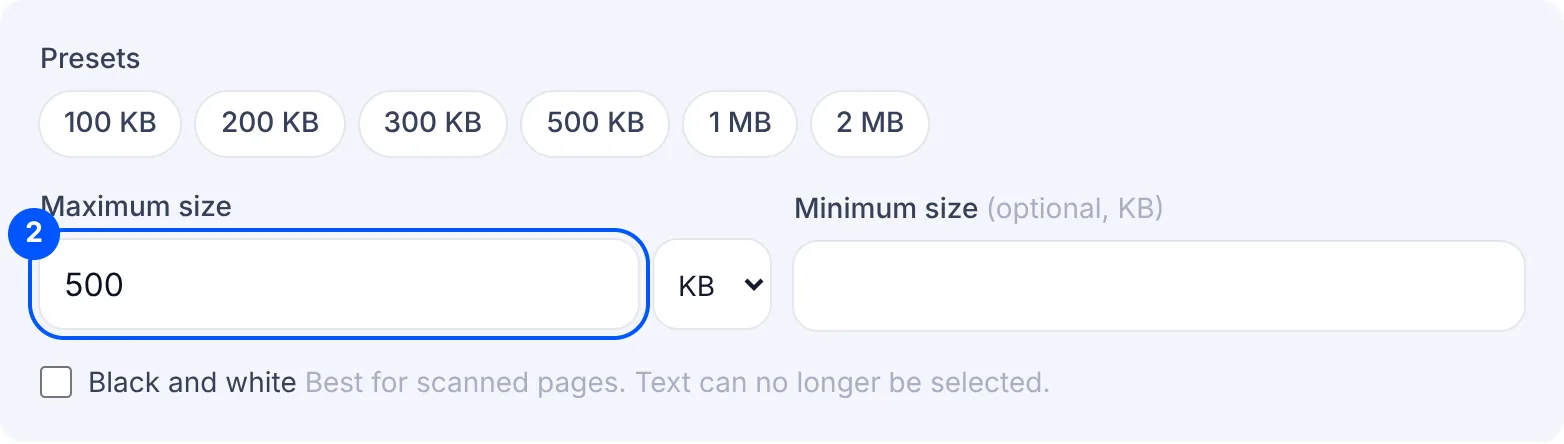
A scan of ten or more pages is where 500 KB starts to feel tight, especially in colour. For scans of printed or typed pages, turn on Black and white. It makes a scan much smaller and usually keeps printed writing readable. Leave it off for pages where colour matters, such as a photo ID.
If the form has no fixed limit and you only want a lighter file, Compress PDF is the simpler tool. If your limit is a different number, such as 300 KB or 1 MB, type it on Compress PDF to any size.
Why your file is still rejected
- The portal wants several files, not one. When a portal has a separate field for each certificate, a single 500 KB bundle does not belong in any of them. Split the bundle into one PDF per document and compress each one.
- The pages are sideways or in the wrong order. Compression does not change the order or the direction of pages, so fix those before you compress.
- The photo ID page turned grey. Black and white helps long scans, but it also removes colour from photos and ID cards. If a document has to show your photo clearly, compress it without Black and white.
- The original went to the portal instead of the compressed copy. On a phone, both files can sit in the downloads list with similar names. Check the final KB on the result card, then pick the new file when you upload it to the portal.
