
How to get under 100KB
Count the pages first. The 100 KB is shared by every page in the file: a one-page certificate gets all of it, while a five-page scan gets about 20 KB per page. The more pages there are, the more each page has to give up, and that tells you which of the steps below you will need.
If the PDF was typed or saved from a computer, most of its size usually comes from the pictures inside it: a logo, a photo, a scanned stamp. The tool shrinks only those pictures first, from gentle to stronger settings, and keeps the first version that fits. The text stays text, so it can still be selected and searched. The result card tells you whether that is still true.
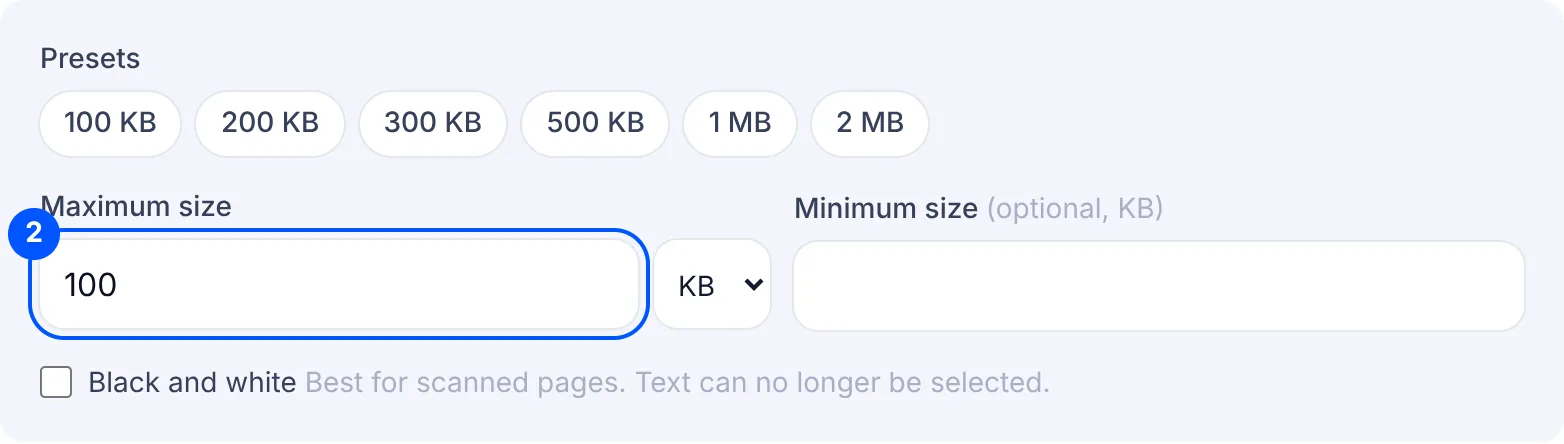
A scan made with a phone camera is different, because every page is one large photo. For a scan with several pages, turn on Black and white before you start. It makes a scan much smaller, which leaves more of the 100 KB for sharp writing. If that is still not enough, the tool turns each page into an image at a lower resolution and quality.
If the target cannot be reached, the tool gives you the smallest file it could make and tells you why. That usually means the file is too long for 100 KB. Check whether the form needs every page: a blank back side or a second copy can go. Keep only the pages you need with Split PDF, or cut the file into parts and compress each one.
If you only have photos of the pages, put them into one PDF with Images to PDF first, then come back here. If the form takes a JPG instead of a PDF for a single page, Compress image to 100KB gives you more control, because you can set the pixel size as well.
Why your file is still rejected
- The portal says the file is too big, but your phone shows 100 KB. Some portals count 1 KB as 1,024 bytes and some as 1,000, and phones round the number. Run it again with 95 KB as the maximum to leave a little room.
- The field asks for JPG, not PDF. A PDF is refused in a JPG field even when it is small enough. If you still have the original photo of the page, compress that photo with the image tool instead of making a PDF.
- The file is too small. If the form gives a minimum as well as 100 KB, type it in the minimum box, then check the final KB on the result card before you upload the file to the portal.
- The pages cannot be read. A file under 100 KB can still be refused later if nobody can read the name or the marks on it. Open the result and zoom in. If the small print is blurred, turn on Black and white or cut the file into parts rather than squeezing more pages into 100 KB.
- The size is right and the portal still refuses it. Try renaming the file to something short with only letters and numbers, such as marksheet.pdf, and try again.
