
Where 20 KB is the limit
At 20 KB the file is nearly always a signature. The SSC CGL 2026 and SSC CHSL 2026 notifications and the IBPS CRP PO/MT-XVI notification (2026) all ask for a signature of 10-20 KB, so there is a floor as well as a ceiling.
| Body | Document | Rule | Notice |
|---|---|---|---|
| SSC | Signature (CGL 2026) | JPEG/JPG, 10-20 KB | CGL 2026 notification (21 May 2026) SSC notices |
| SSC | Signature (CHSL 2026) | JPEG/JPG, 10-20 KB | CHSL 2026 notification (8 September 2026) SSC notices |
| IBPS | Signature | 140 x 60 pixels (preferred), 10-20 KB | CRP PO/MT-XVI notification (2026), p.39-41 IBPS notices |
The IBPS photo is a different case: in the same notice, 20 KB is its minimum, not its maximum (20-50 KB). The SSC photo is not a file at all, because it is taken live in the app. The CGL 2026 link has 2025 in its file name, but it is the 2026 notice.
How to get under 20KB
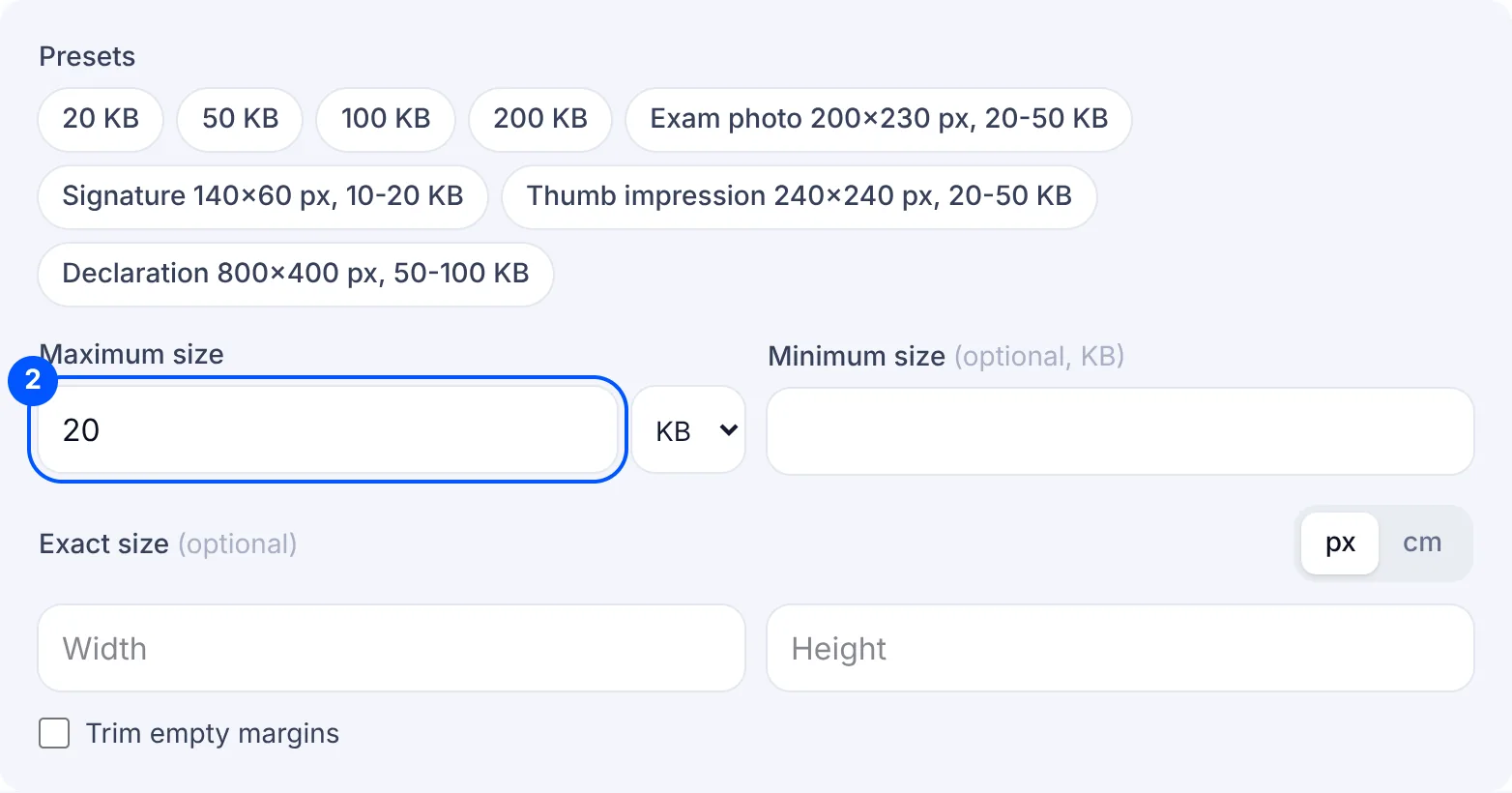
A phone photo has millions of pixels, and 20 KB is very little room. When your form names a pixel size, set it before anything else: the tool then fits a small image instead of crushing a big one, and the lines stay sharp. For the IBPS signature that is the "Signature 140x60 px, 10-20 KB" chip.
With no exact size, the tool tries quality first. If even 30% quality is still over 20 KB, it lowers the pixel size step by step until the file fits, never below 100 px on the short side. The result card shows the pixel size it ended at, so you can see what was given up.
This page starts with 20 KB as the maximum and an empty minimum. The SSC and IBPS signature boxes also need at least 10 KB, so type 10 in the minimum box. Otherwise a small, clean signature can come out at a few KB and be refused for being too small. If it still cannot reach 10 KB, the signature resize page explains why and what to change.
iPhone HEIC photos, WEBP files and PNG screenshots can go straight in. The result is always a JPG, the format the SSC notices ask for. If the size is already fine and you only need the format changed, HEIC to JPG is quicker.
A photo for IBPS needs 20-50 KB, so 20 KB as a maximum is the wrong target for it. Use the 50 KB page, which already has the 20 KB minimum filled in.
Why your file is still rejected
- It is too small. SSC and IBPS want the signature to be at least 10 KB, so a file of a few KB fails even though it is under 20 KB.
- The portal counts KB another way. Some count 1 KB as 1,000 bytes, some as 1,024. The tool keeps the file under 20,000 bytes and, with 10 in the minimum box, at 10,240 bytes or more, so it passes on either count.
- It is not a real JPG. Renaming a PNG to .jpg does not change what is inside, and a portal may check. Files from this tool are saved as real JPGs.
- It went into the IBPS photo box. That box needs at least 20 KB, so a file made for the signature box is too small for it.
- The signature is in capital letters. The IBPS notice says it must not be, and no file size can fix that.
