Signature rules by exam
All of these 2026 documents want the signature as a JPG, but the numbers differ. This page starts on the IBPS settings, so change them for the others.
| Body | Document | Rule | Notice |
|---|---|---|---|
| IBPS | Signature | 140 x 60 pixels (preferred), 10-20 KB, not in capital letters | CRP PO/MT-XVI notification (2026), p.39-41 IBPS notices |
| SSC | Signature (CGL 2026) | JPEG/JPG, 10-20 KB | CGL 2026 notification (21 May 2026) SSC notices |
| SSC | Signature (CHSL 2026) | JPEG/JPG, 10-20 KB | CHSL 2026 notification (8 September 2026) SSC notices |
| UPSC | Signature | Three signatures in one image, jpg, 20-100 KB, 350-500 pixels, file name "signature" | Instructions for photo and signature (4 February 2026) |
| NTA | Signature (NEET UG) | JPG, 10-100 KB | NEET (UG) 2026 Information Bulletin (8 February 2026), p.15 |
The SSC CGL 2026 link has 2025 in its file name, but it is the 2026 notice.
How to make a signature that passes
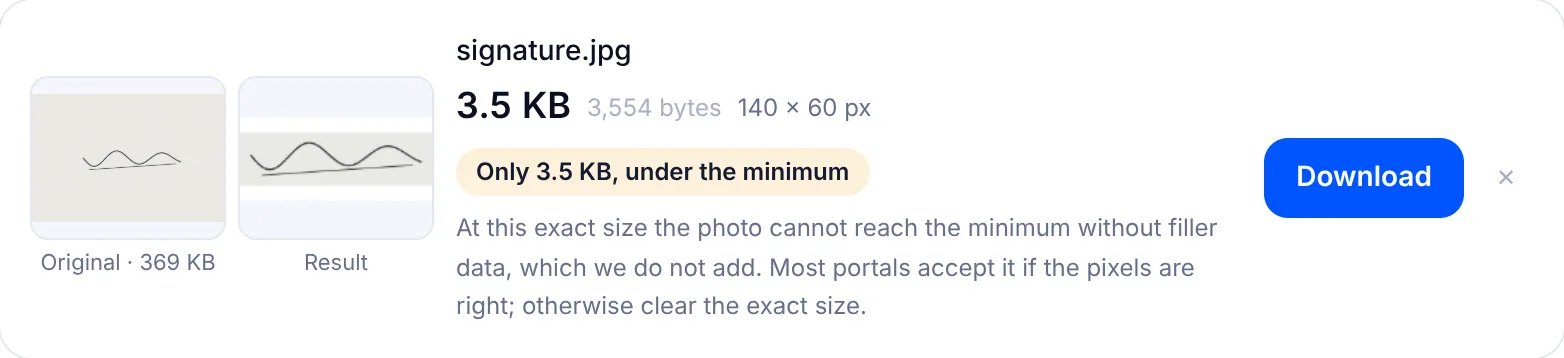
Sign with a black pen on plain white paper, the way you sign a cheque. The IBPS CRP PO/MT-XVI notification (2026) says the signature must not be in capital letters. Faint pencil or light blue ink fades to a grey smudge at 140 x 60 pixels.
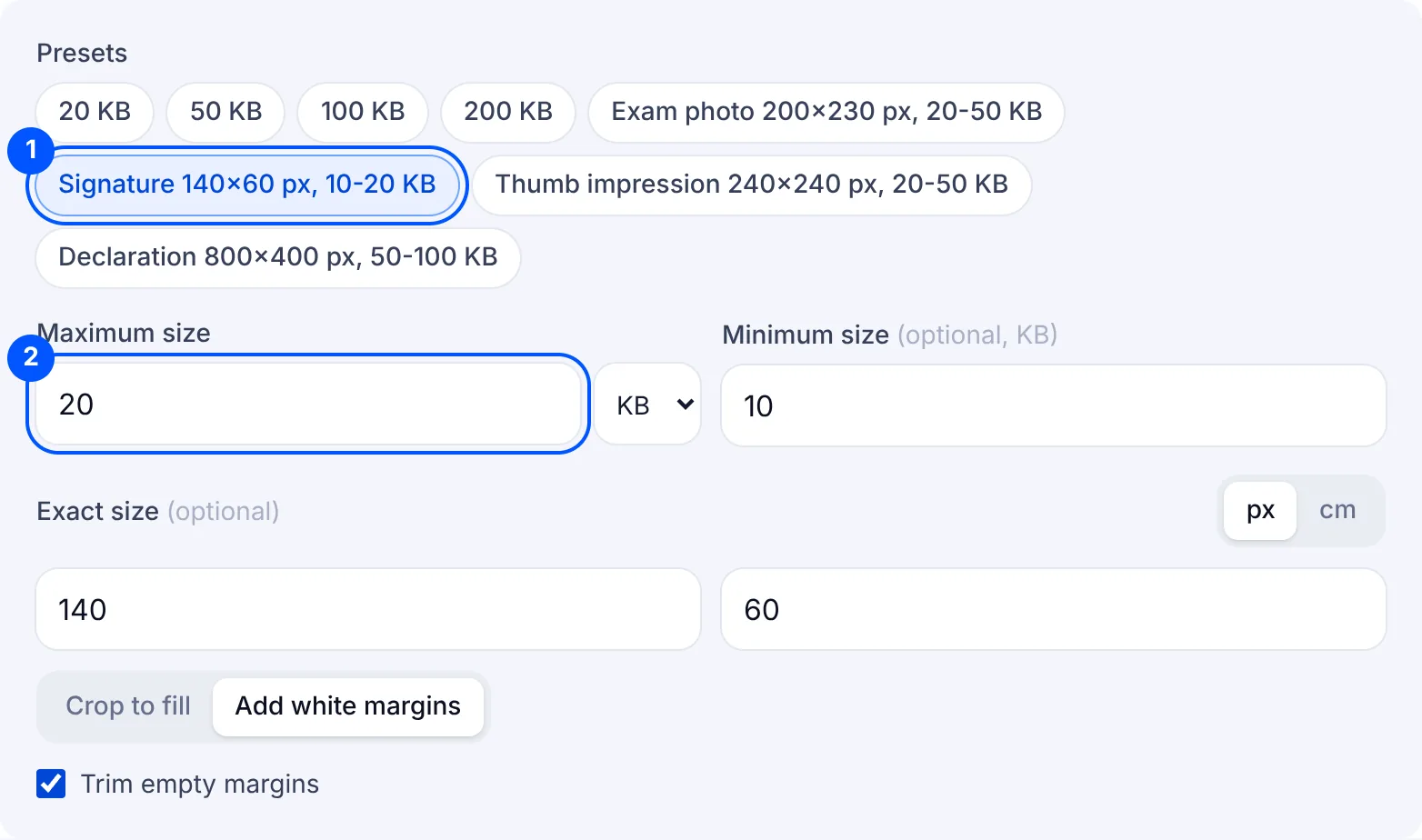
Leave "Trim empty margins" on. A phone photo of a signature is mostly paper. Trimming cuts away the blank paper around the ink, so the signature fills the frame instead of sitting as a thin line in the middle.
A trimmed signature is long and low, and rarely the exact shape of 140 x 60. This page uses "Add white margins", which adds white above and below, or at the sides, so no letter is lost. "Crop to fill" fills the frame but can cut off the first or last letter.
For the other exams, first clear the 140 x 60 size, which is the IBPS one. For the SSC CGL and CHSL 2026 notices, keep 10-20 KB. The NTA NEET (UG) 2026 bulletin needs 10 as the minimum and 100 as the maximum. The UPSC instructions (February 2026) want three signatures on one sheet, 20-100 KB and 350-500 pixels, as the 100 KB page explains. To reach 20 KB without any signature settings, use the 20 KB page.
Why your signature is still rejected
- It is under 10 KB. Signatures are small images, so they fall under the minimum more often than photos do. Check that the badge is green before you download.
- It is in capital letters. The IBPS notice rules that out, whatever the file size.
- It is a single signature for UPSC. The UPSC instructions ask for three signatures in one image, named "signature".
- It was made for another exam. A 140 x 60 file of 15 KB suits the IBPS range, but it is below the 20 KB minimum for UPSC.
- The ink is lost in the background. A shadow from your phone or grey-looking paper leaves little contrast at this size, so take the photo again in daylight.